
Sick plant? Check what’s wrong and what to do next.
Take three photos and confirm the suggested plant name. Plant Trouble suggests one issue and gives you a quick check, three simple steps and a time to re-check.
Free. No accounts. No subscription.
Two rewarded video ads per check, when available: one before identifying the issue and one before creating your plan. If no ad is available, a check with a confirmed plant still returns steps.
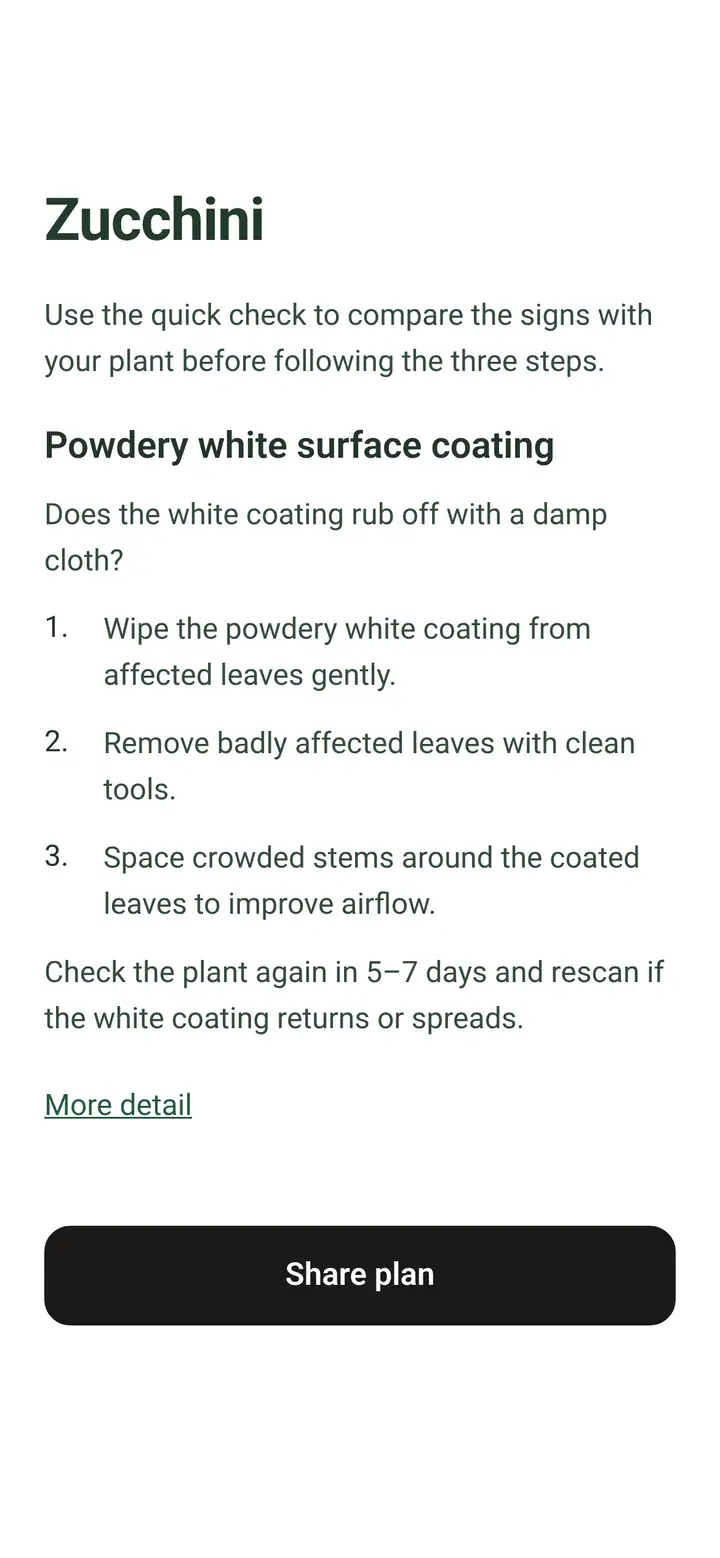
Screens from a sample check.
How a check works
Take three photos
- The whole plant.
- A flower, fruit or clear leaf.
- A close-up of the problem.
You can add a fourth photo from another angle. Choose where the plant is growing: Australia, United States or Other.
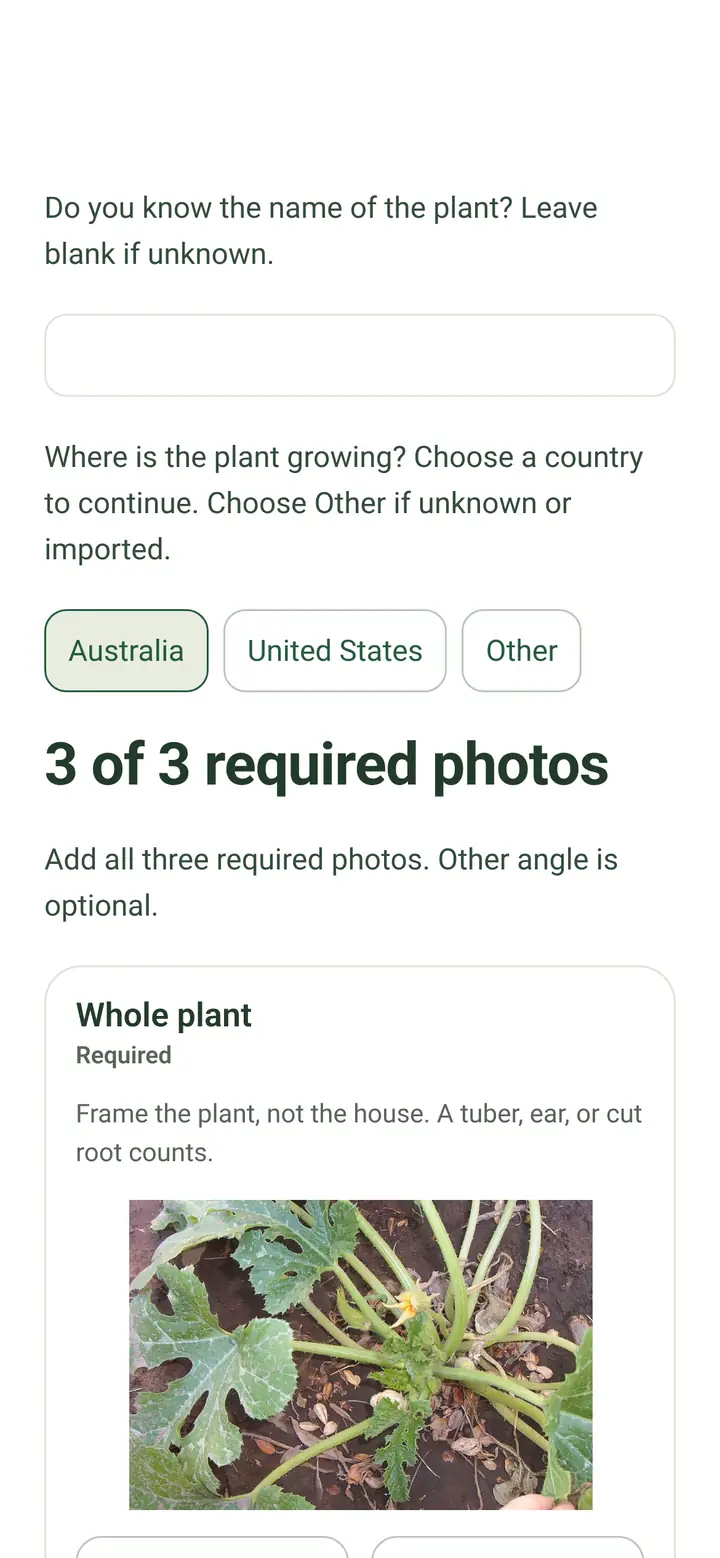
Confirm the plant name
Confirm the plant name to continue. If you choose “Not sure”, the check ends without steps.
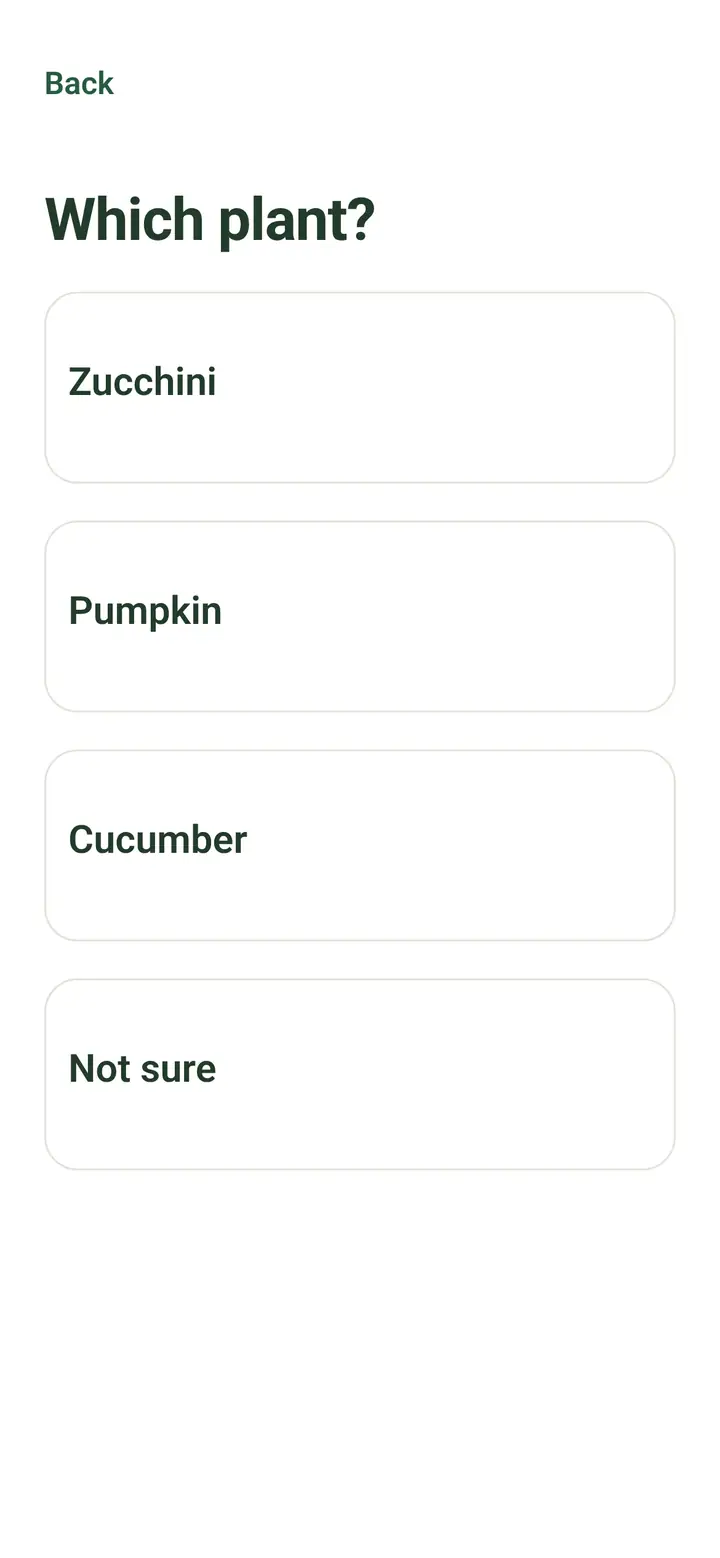
Get three clear steps
Your result focuses on one suggested issue in plain words, such as yellowing or a powdery coating. It includes a quick check, exactly three steps and when to check again. Share the plan as plain text.
Use the quick check to compare the signs with your plant before following the three steps.
For houseplants and food grown at home
Check a struggling houseplant or something you grow to eat at home, such as tomatoes, herbs, carrots or potatoes.
Questions
- How do I check the advice fits my plant?
- Confirm the plant name first. Your result suggests one issue and includes a quick check to compare with your plant, exactly three steps and a time to re-check. Choosing “Not sure” about the plant name ends the check without steps.
- Are photos kept?
- Photos go to third-party AI services for your check. The app is designed to delete its temporary photo copies; on-device deletion and provider retention are still being verified before launch. Read the privacy details.
- Do I need an account?
- No. There are no accounts.
- Where can I get it?
- Plant Trouble is coming to the App Store and Google Play. It is not available to download yet.